
Learn
Guides, comparisons, playbooks and tools for talking to your Mac: how to dictate, which app to pick, and how to write better prompts out loud.
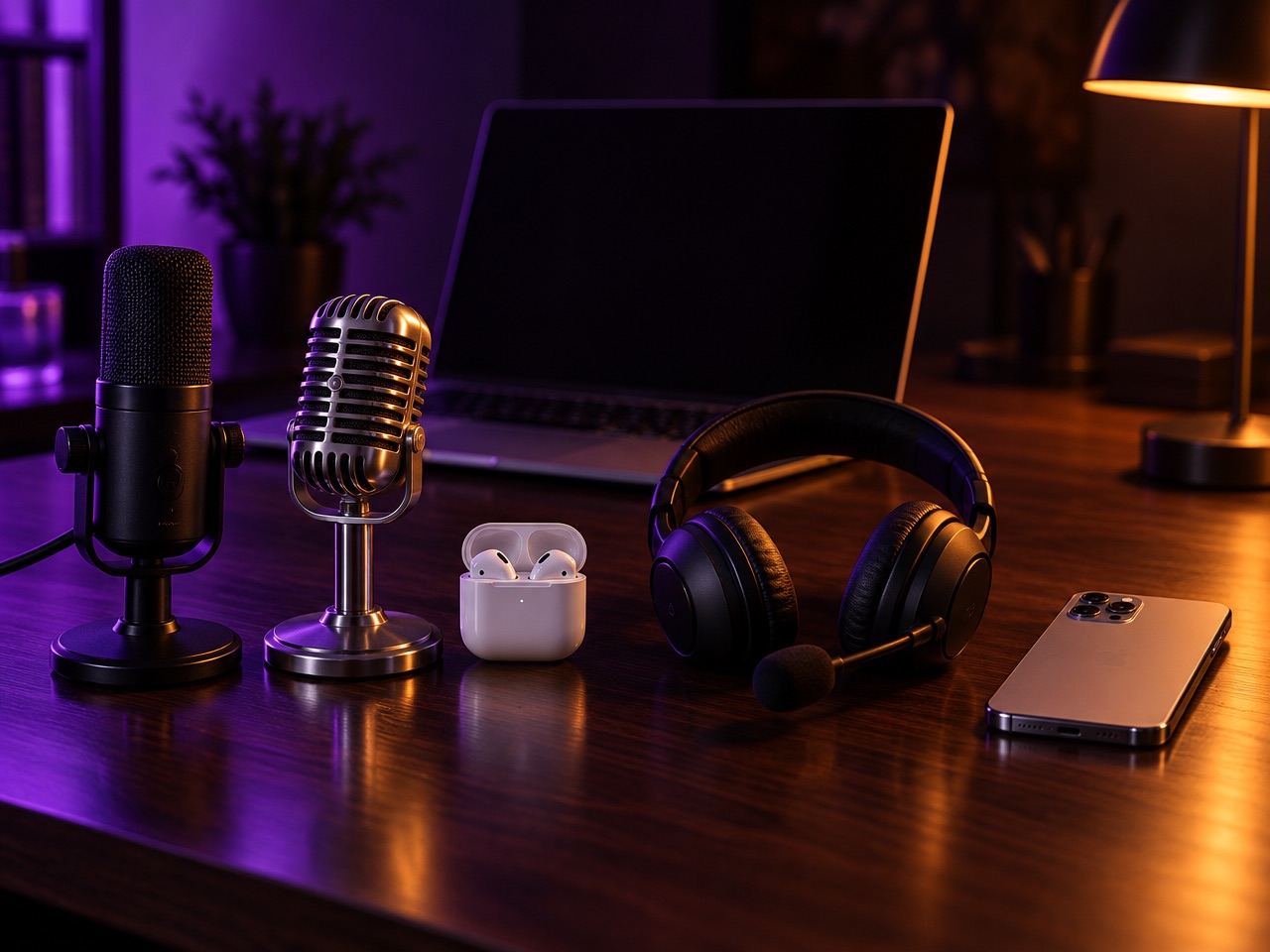 Featured · Comparison
Best dictation apps for Mac
Eight apps compared on price, privacy and offline use: Apple Dictation, Wispr Flow, Superwhisper, VoiceInk, Aqua Voice, Willow, MacWhisper and Attiva.
Read the comparison →
Start here
New to dictating on a Mac?


Playbooks and templates
Ready-to-use ways to talk to AI
- 01
 TemplatesSpoken prompt templates12 prompts to say out loud for email, summaries, plans, feedback and code.
- 02
 Playbook · DevelopersDictating prompts to AI coding toolsFive rules, six coding prompts to say out loud, and the terminal safely.
- 03
 Playbook · WritersTalk your first draftSay the messy version, let AI organize it, keep your voice, finish by hand.
Quick guides and reference
Answers to specific questions
- ExplainerTalking vs typingWhy dictation is about 3 times faster, and when typing still wins.
- GuideMac dictation commands and shortcutsEvery word you can say for punctuation, lines, capitals and symbols.
- GuideHow to dictate quietly in an open officeWhy mic distance matters, and how to talk without being overheard.
- GuideDictate on a Mac without internetWhich apps work offline, and a checklist before you fly.
- ComparisonWispr Flow vs Superwhisper vs AttivaPrice, platforms, privacy and the cost for one year, side by side.
- ReferenceSpeech to text glossary22 terms in plain English, from ASR to word error rate.
Try Attiva free for 7 days.
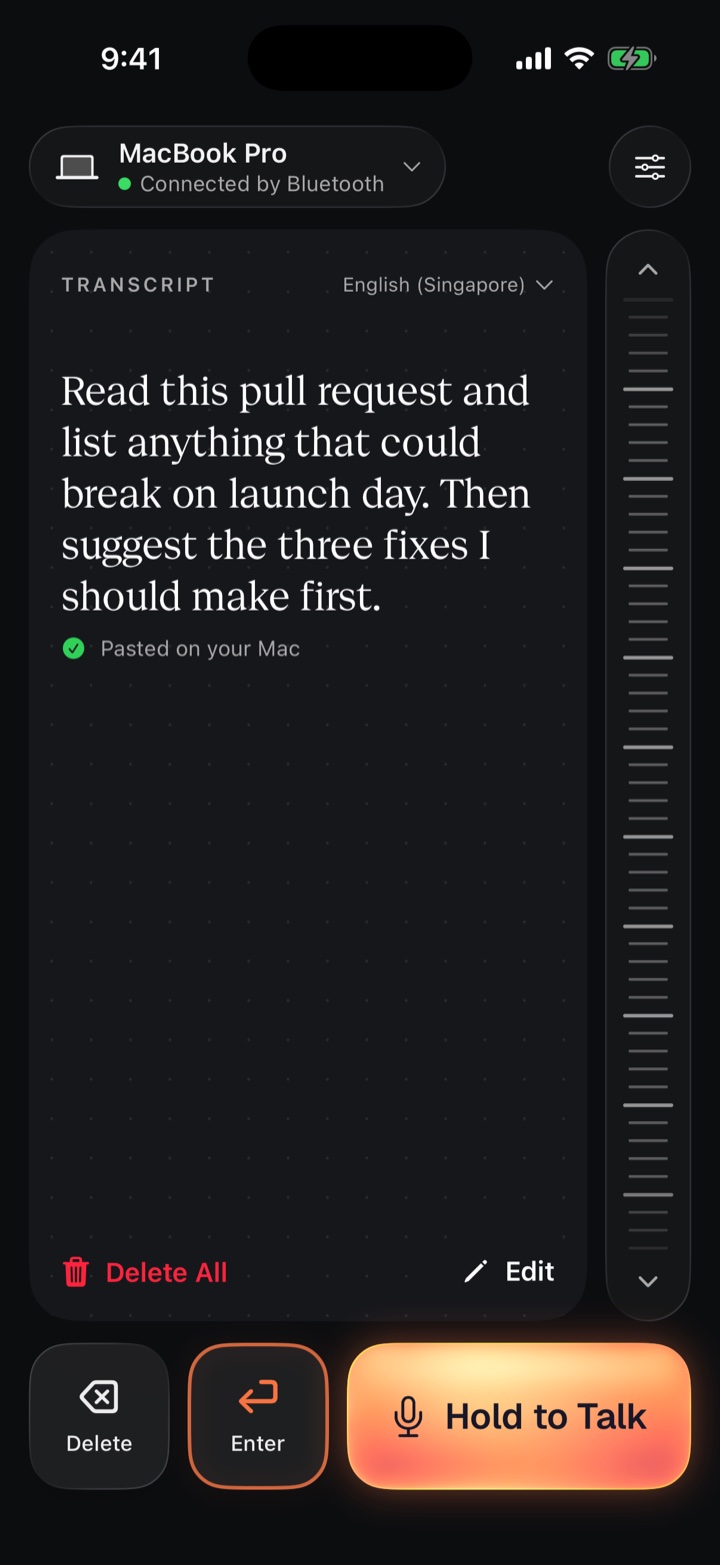
Talk your prompts into your iPhone. Your words appear on your Mac.